A standard 16:9 screen often becomes the wrong shape before it becomes the wrong technology. It may fit a meeting room wall, yet leave little room for installation along a shelf edge, above a platform entrance, across a narrow restaurant counter or beside an architectural column.
Ultra stretch digital signage addresses this mismatch by turning long, shallow or unusually proportioned spaces into active information surfaces. Instead of forcing a conventional monitor into the site, a stretched display follows the available geometry.
Current commercial products illustrate how varied this category has become. LG markets 58:9 and 32:9 ultra-stretch models, while Rcstars lists stretched displays in multiple sizes, structures and resolutions, including wall-mounted, double-sided and freestanding formats. The correct format therefore depends on much more than screen length. Buyers must consider brightness, native resolution, operating schedule, content layout, mounting, remote management and replacement planning.
Ultra stretch digital signage creates value when the screen follows the space, the content follows the aspect ratio and the hardware follows the operating environment.
This guide explains how B2B buyers and AV system integrators can evaluate stretched displays for commercial deployment, prepare content for unusual aspect ratios and assess an OEM/ODM manufacturing partner.
What Is Ultra Stretch Digital Signage?
Ultra stretch digital signage is a commercial LCD display with a much wider or taller active area than a conventional 16:9 screen. The category may also be described as an ultra-wide stretched display, bar-type display, shelf-edge display or stretched LCD screen.
There is no single universal aspect ratio. An 86-inch LG commercial model uses a 58:9 format with a native resolution of 3840 × 600, while an 88-inch LG model uses 32:9 at 3840 × 1080. Rcstars publishes a broader product range with panel-specific resolutions, including 3840 × 1080, 3840 × 720, 1920 × 540 and 3840 × 1440 configurations.
That variation matters because “ultra stretch” describes the finished display geometry, not one standardized content canvas. Buyers must obtain the exact native resolution before approving media, CMS templates or player hardware.
Why narrow formats create commercial value
The main benefit is not simply visual novelty. A bar-type display can activate a location where a normal screen would block shelving, interfere with a sightline or extend beyond the available structure.
Common opportunities include:
- Shelf edges and retail gondolas
- Transportation headers and platform entrances
- Restaurant service counters
- Hotel reception features
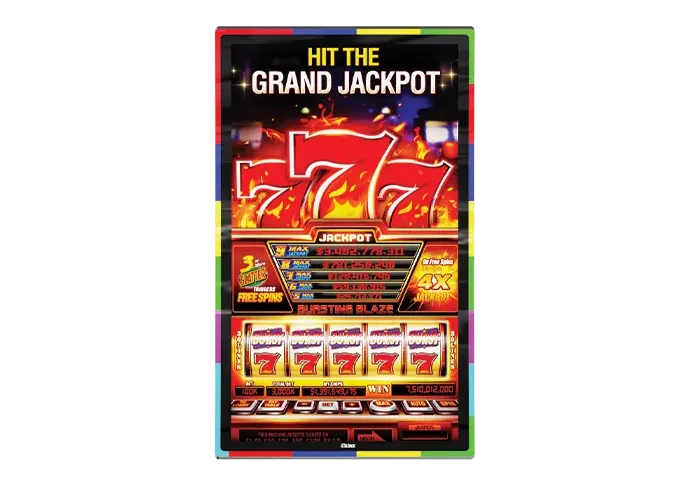
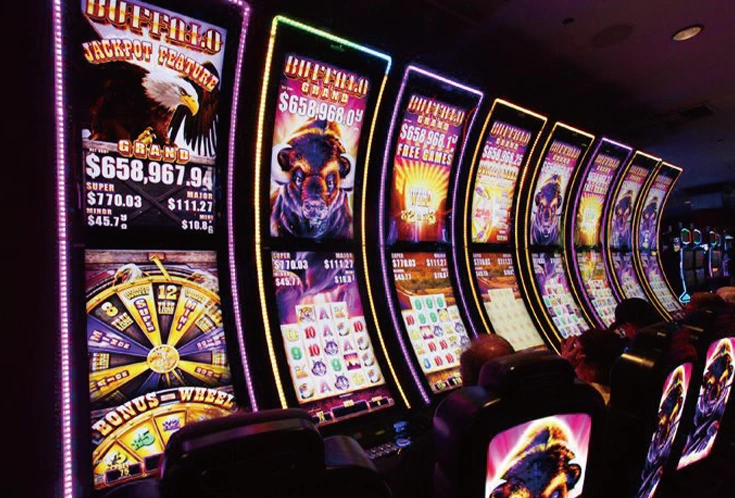
- Casino machines and jackpot displays
- Storefront headers
- Building columns and narrow wall sections
- Equipment enclosures and control surfaces
Rcstars’ stretched-display range includes small bar screens, double-sided hanging products and 69.3-inch freestanding formats. Its transportation and shelf-display pages also position these products for stations, vehicles, retail pricing and promotional content.
One stretched screen or several standard screens?
A single ultra-wide display removes the internal bezels that appear when several conventional monitors are placed side by side. It may also simplify alignment and content mapping because the installation uses one continuous canvas.
However, a single screen does not automatically produce a lower total cost of ownership. Large or unusual panels may cost more to replace, and a failure can affect the entire content area. A multi-screen installation may offer easier local replacement but introduce bezel interruptions, additional mounts, more cables and greater synchronization work.
| Evaluation area | Single ultra-stretch display | Multiple standard displays |
|---|---|---|
| Visual continuity | One uninterrupted content canvas | Bezels divide the image |
| Installation | One primary chassis and alignment plane | Several mounts require coordinated alignment |
| Content mapping | Designed for one native ultra-wide resolution | Requires multi-output mapping or synchronized players |
| Maintenance | Fewer display units, but replacement may be model-specific | More components, although individual screens may be easier to source |
| Failure impact | One failure can affect the complete visual area | One failed unit may leave the remaining screens operational |
| Space efficiency | Well suited to narrow and irregular locations | Standard proportions may waste surrounding space |
| Project suitability | Strong when a continuous panoramic message is required | Useful when modularity and standard-screen availability matter more |
Swipe horizontally to view the complete comparison table on smaller screens.
The better option depends on the installation, service strategy and expected product lifecycle—not on screen count alone.
Hardware Specifications That Matter
A product page may lead with brightness and resolution, but a professional RFQ must connect every specification to the site.
Native resolution and aspect ratio
The player must output content that matches the display’s native canvas. A 3840 × 600 screen needs media composed for that exact shape. Sending a standard 3840 × 2160 video without a layout plan may create stretching, cropping, empty areas or text that becomes too small to read.
Ask for:
- Active display dimensions
- Native resolution
- Aspect ratio
- Supported input resolutions
- Scaling behavior
- Portrait and landscape support
- Safe areas for text and logos
Do not prepare content from the diagonal size alone. Two displays with similar lengths may use different pixel grids.
Brightness and ambient light
A 500-nit screen can work in many indoor retail, hospitality and transportation environments, but it should not be treated as a universal requirement. LG’s 86BH5F-M lists 500-nit typical brightness, while its 32:9 88BH7G-B lists 700 nits. Rcstars’ 19.5-inch stretched range publicly lists project options from 500 to 1500 nits, while current 69.3-inch products publish 500-nit specifications or 300–700-nit options depending on the model.
These figures should not be compared without context. Protective glass, touch layers, dimming settings and measurement conditions can change the finished result.
For a storefront or semi-outdoor installation, provide site photographs and measured ambient-light information. A high-brightness option does not automatically make an indoor chassis weatherproof or suitable for direct sun.
Commercial operating schedule
Some professional ultra-stretch displays carry a 24/7 operating rating. LG’s 86BH5F-M, for example, lists 24/7 operation and a typical panel lifetime of 50,000 hours. That rating belongs to the specified model and operating conditions; it should not be transferred to every stretched LCD product.
When comparing products, request:
- Rated operating hours per day
- Approved orientation
- Operating temperature and humidity
- Ventilation clearance
- Backlight-life definition
- Brightness setting used for the rating
- Warranty conditions for continuous operation
A retail shelf screen operating during store hours has a different duty cycle from a transport-information display that runs continuously.
Picture-by-picture and multi-zone content
Picture-by-picture, or PBP, allows several sources or content regions to appear on one display. LG’s 86BH5F series offers a four-part PBP mode, illustrating how a 58:9 canvas can show multiple advertisements or information feeds without treating the screen as one uninterrupted video.
PBP is useful when a transport header needs to show schedules, directional information and alerts at the same time. In retail, it can separate a campaign image, price area and scrolling product message.
Do not assume that every stretched monitor provides hardware-level PBP. The same result may instead require a CMS template, media player or custom software canvas.
Network control, loop-through and CMS support
“LAN daisy chain” can describe different architectures. One system may use network ports for centralized monitoring, while another loops control or video signals between displays. LG’s 86BH5F-M documents RJ45, RS-232C and DisplayPort connections, including selected input and output ports, while also supporting SuperSign CMS and control software. These are model-specific functions, not generic features of all ultra stretch digital signage.
Rcstars’ digital-shelf solution states that its screens can use a cloud CMS for content updates. Its transportation solution describes Wi-Fi, LAN, Bluetooth, 4G and CMS integration for synchronized information, but the actual player, operating system and CMS should be confirmed for each quotation.
The RFQ should identify:
- Local or cloud-based CMS
- Android, Windows, Linux or monitor-only operation
- Network security requirements
- API or third-party software integration
- Remote restart and scheduling
- Offline playback behavior
- Content synchronization method
- Monitoring and error-reporting requirements
Dust and environmental protection
An IP rating must be tied to the finished product. LG lists IP5X dust resistance for its 86BH5F-M, but that does not mean all bar displays carry the same protection.
For a pharmacy, workshop, transport facility or food-service environment, ask whether the quoted rating covers the front surface, enclosure or complete unit. Also confirm ventilation, cleaning methods, connector protection and installation orientation.
Where Ultra Stretch Displays Work Best
The most effective applications share one characteristic: useful information needs to occupy a long or narrow field of view.
Digital shelf displays
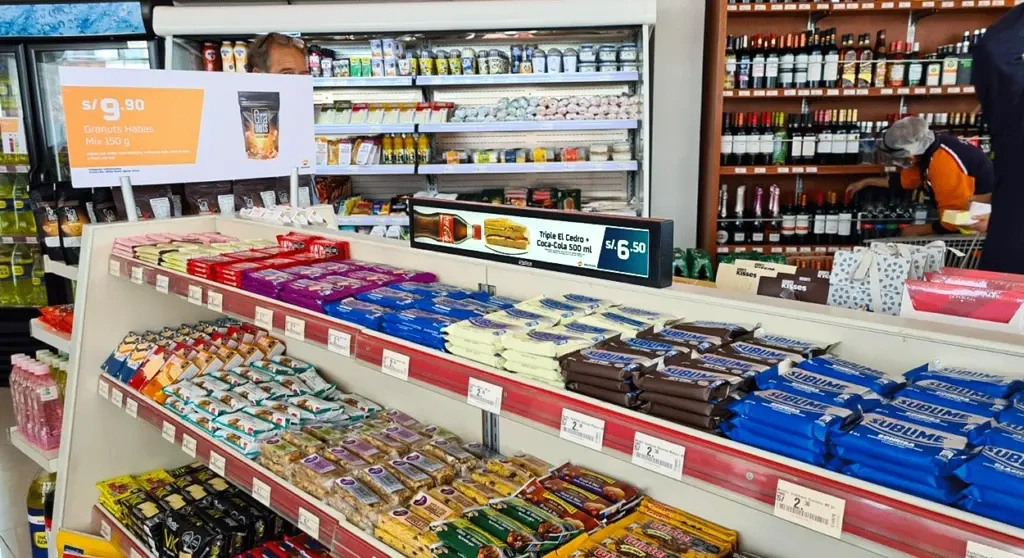
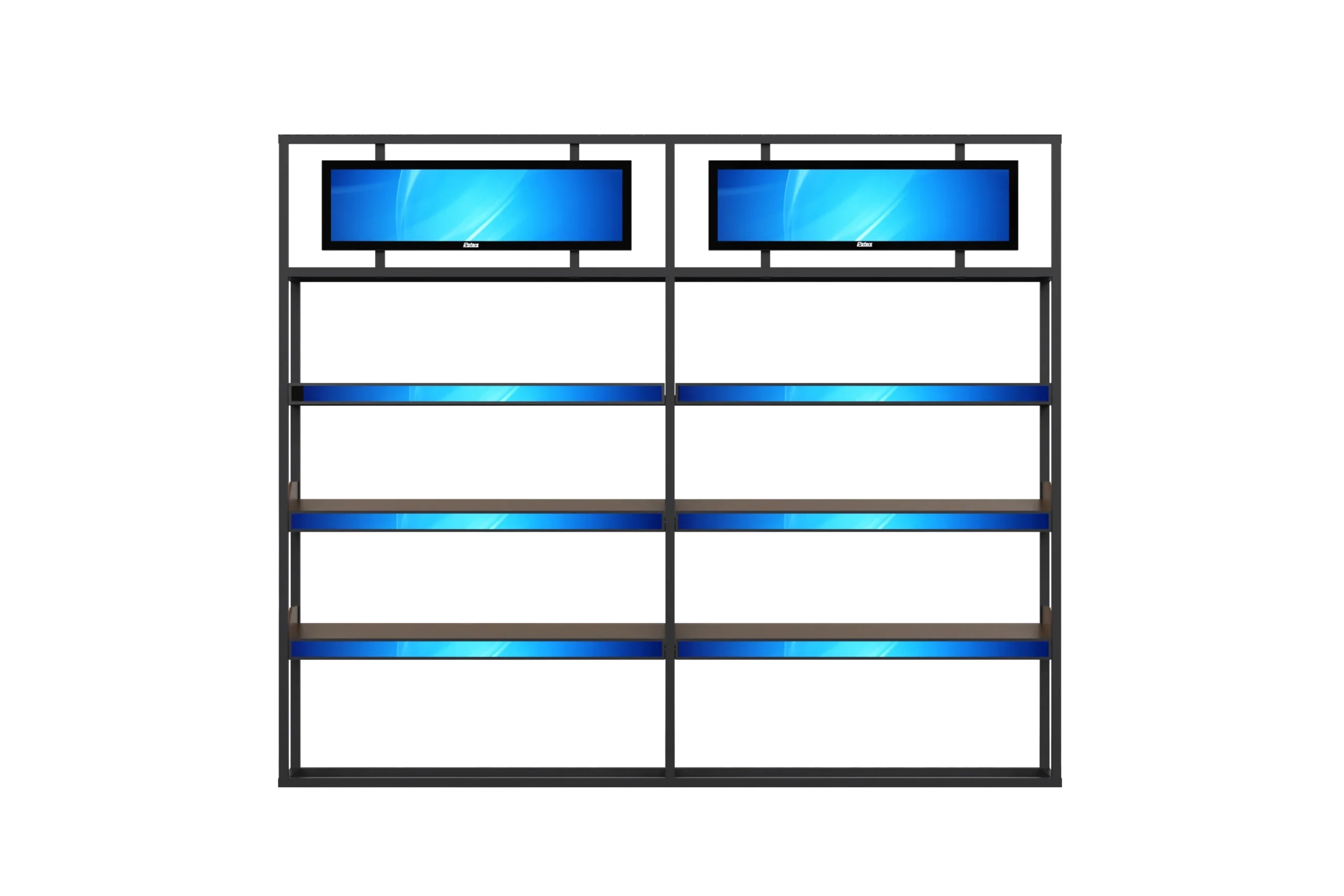
Retail shelves have limited vertical space, yet they need frequently changing prices, promotions and product information. A stretched shelf display can update content without replacing printed strips manually.
Rcstars’ digital-shelf solution lists screens from 10.1 to 88 inches, brightness options from 500 to 1500 nits and CMS-based content updates. Those are portfolio-level statements, so buyers should request the specification for the exact screen, enclosure and player selected.
A useful shelf layout might reserve one area for the product name, another for price and stock information, and a third for animation or a QR code. The content should remain legible at the shopper’s expected distance rather than filling the screen with small details.
Transportation hubs and vehicles
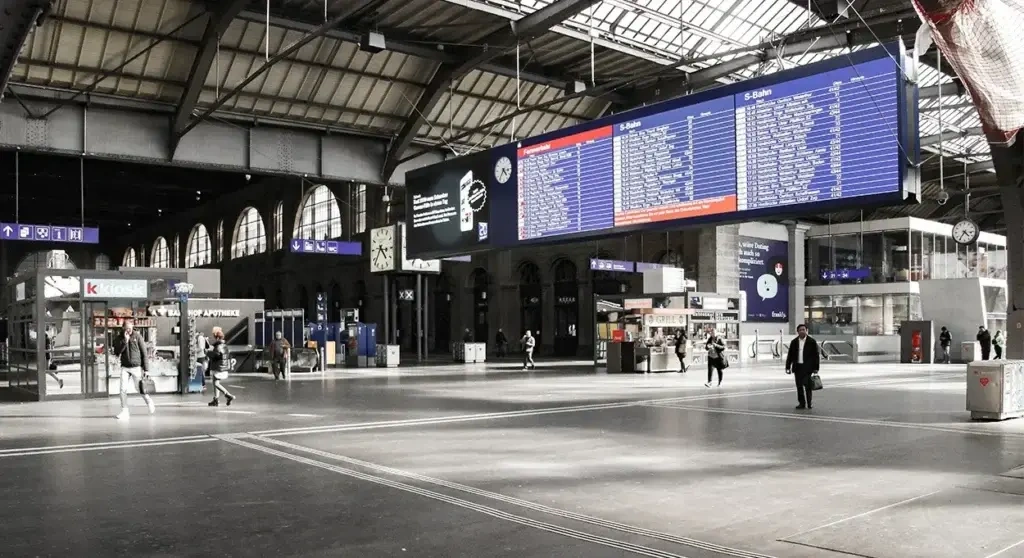
Stations, airports and vehicle interiors contain long headers, route strips and overhead spaces that rarely suit 16:9 monitors. Ultra-wide screens can display departures, directions, service notices, weather information and advertising across one horizontal field.
Rcstars presents stretched displays as part of its transportation solution and describes centralized content delivery through network and CMS connections.
For transport projects, the integrator must also consider emergency-message priority, redundant playback, viewing distance, installation safety and access for maintenance. Public-information functions should never depend solely on an attractive hardware format.
Restaurants and hospitality
A long display above a service counter can present menu categories without using several separate monitors. Hotels can integrate stretched screens into reception counters, elevator lobbies or decorative walls where a conventional screen would feel visually heavy.
The layout should follow the customer journey. Menu pricing needs stronger contrast and less motion than a background brand animation. A hotel wayfinding screen needs clear hierarchy, multilingual support and predictable update procedures.
Gaming and casino environments
Stretched displays can form jackpot headers, machine toppers and promotional bands. Their unusual shape suits animated totals, game titles and attention cues.
These projects may require custom housings, synchronized lighting, proprietary player integration and strict mechanical tolerances. Buyers should provide drawings of the gaming cabinet rather than ask the display supplier to estimate from a photograph.
Retail interiors and freestanding displays
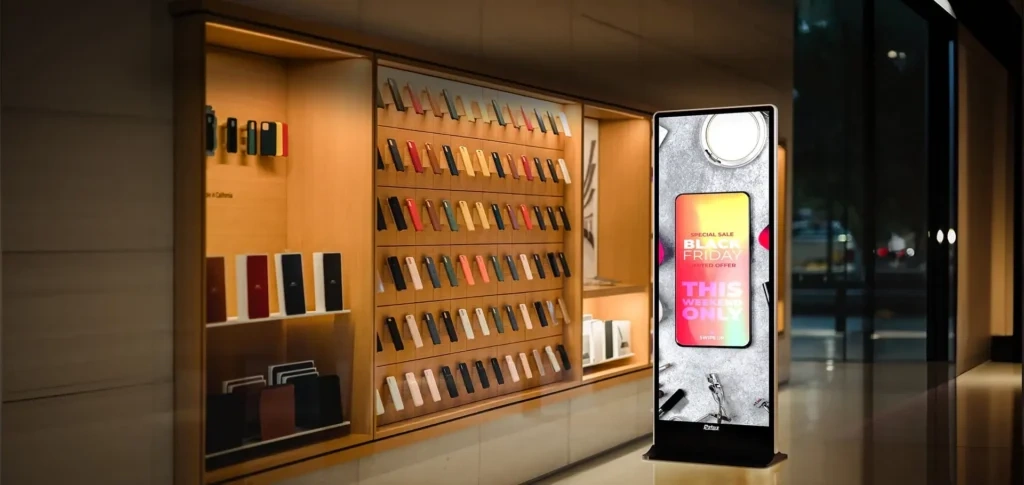
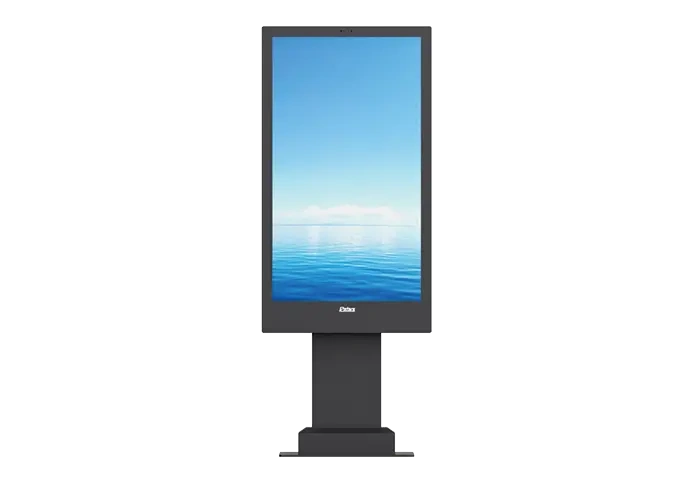
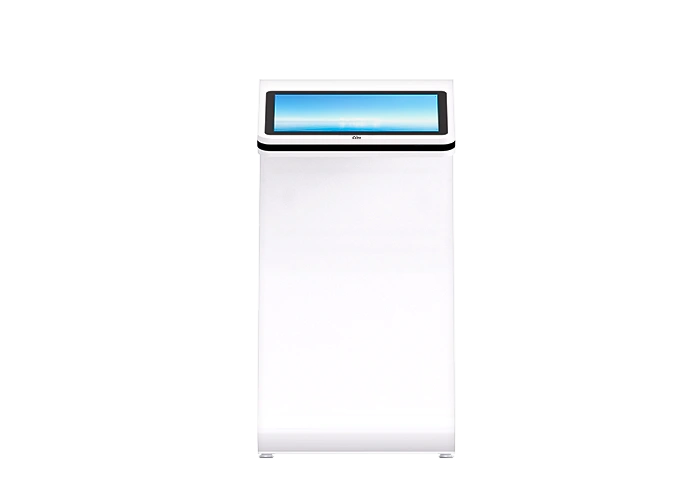
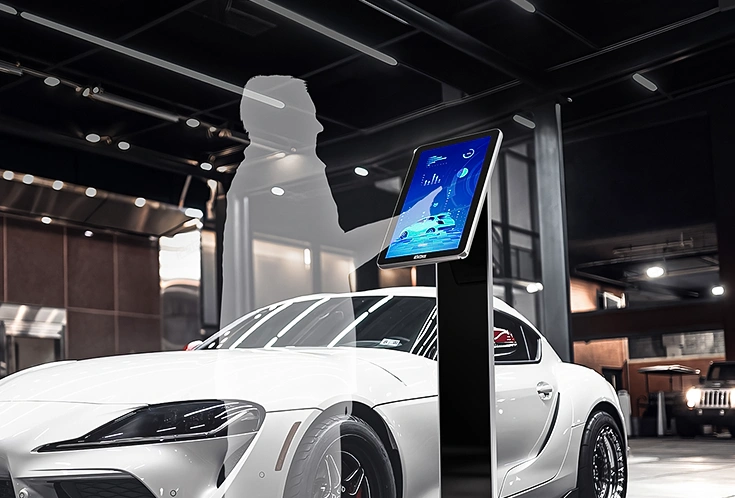
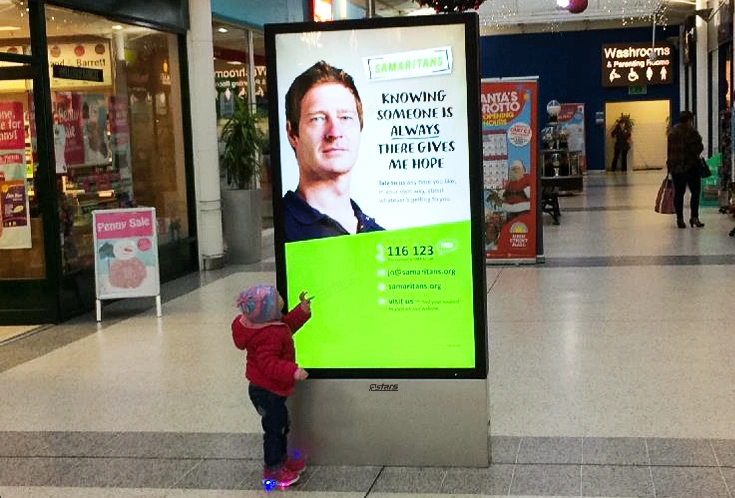
A vertical stretched display can create a narrow digital poster beside a doorway, fitting room or merchandise island. Rcstars currently lists 69.3-inch freestanding products with 3840 × 1440-class published resolutions, 500-nit specifications and options such as folding stands or rollers, depending on the model.
The commercial benefit is flexibility of placement, but stability, floor clearance and cable management become part of the product design.
Content Design for 58:9 and Other Ultra-Wide Formats
Content problems often appear after hardware approval because teams try to reuse a 16:9 campaign without rebuilding its visual hierarchy.
Planning a shelf-edge display, transport header, digital menu or gaming installation? Explore Rcstars ultra-wide stretched display formats before preparing your project specification.
1. Design at the native pixel canvas
Create the master file at the exact output resolution. Do not simply stretch a conventional video across the screen. Products, faces and logos will distort, while text may become too wide to scan comfortably.
When adapting an existing campaign, preserve the main visual and rebuild the surrounding composition for the ultra-wide canvas.
2. Divide the screen by purpose
A long screen is easier to read when it contains zones. A retail layout might use:
- 40% for the main campaign visual
- 25% for product and pricing
- 20% for promotional conditions
- 15% for a QR code or call to action
The proportions should follow the content, not a fixed formula. The key is to prevent every element from competing across the full width.
3. Control reading distance and movement
People do not read a six-foot-wide sentence like a page of text. Break information into short groups and place related content within the same visual zone.
Scrolling text can suit service notices or transport updates, but excessive movement across the entire display creates fatigue. Use motion to guide attention, not to prove that the screen can animate.
4. Build reusable CMS templates
Create templates for regular content types: price update, campaign launch, emergency notice, menu change and route information. Lock logo areas, margins and font sizes so local teams cannot accidentally break the layout.
CMS compatibility must be verified at the product level. LG SuperSign applies to supported LG hardware, while an Rcstars project may use its proposed Android, Windows or third-party CMS configuration. The brand name of the CMS should never substitute for testing the required workflow.
5. Test the complete content chain
Before deployment, test the source file, CMS, network, player, video output, orientation and panel together. Check what happens after a power failure, network loss or interrupted update.
A beautiful design file is not a working signage system until it survives the operating conditions.
How to Evaluate an OEM/ODM Manufacturer
Ultra stretch projects often require more mechanical work than a standard wall-mounted display. The screen may need to fit a shelf, hang from a ceiling, sit inside a vehicle or align with an existing architectural structure.
Ask for product-level evidence
A reliable supplier should provide:
- Exact panel and finished-product model numbers
- Native resolution and brightness
- Finished dimensions and weight
- Mechanical drawings
- Mounting interfaces
- Cable-exit positions
- Operating schedule
- Player and CMS architecture
- Packaging dimensions
- Certification documents applicable to the quoted unit
Avoid suppliers that offer “any size” without checking panel availability. Enclosure dimensions can be customized more freely than the active LCD area.
Confirm manufacturing and structural capabilities
Rcstars states that it operates its own hardware factory and controls metal-housing design, production and quality processes. Its customization service describes open-frame, embedded, wall-mounted, freestanding and non-standard mounting solutions, along with enclosure finishes, branding, touch and system integration.
Its current public stretched-display category includes small bar screens, double-sided hanging displays and 69.3-inch standing products. That portfolio suggests useful integration breadth, but every OEM/ODM project still requires engineering review.
Verify quality claims against the order
Rcstars’ company profile states that it applies IQC, QC and QA processes and conducts a 24–48-hour aging test on finished products. It also publishes a production-area claim exceeding 10,000 square metres. These are first-party company statements; a buyer should request factory-audit evidence, order-specific inspection records and the exact aging conditions used for the quoted model.
Ask:
- Is every unit tested or only a sample?
- Which content and brightness setting are used?
- What failures cause rejection?
- Are test records linked to serial numbers?
- Are incoming panels inspected separately?
- Can the buyer approve a golden sample before mass production?
- Treat certification as model-specific
Rcstars states that its products have CE, FCC and RoHS certificates. Procurement teams should still check whether the documentation matches the finished model, electrical configuration and destination market. A certificate for a panel, power supply or different display does not automatically establish compliance for the ordered unit.
For European projects, request the applicable EU Declaration of Conformity and supporting reports. For the United States, clarify whether the configuration falls under the relevant FCC equipment requirements.
Separate stock delivery from custom lead time
Rcstars states that stocked products can ship within 15 days. That condition matters: a new metal housing, unusual brightness, touch integration, custom operating system or revised packaging may require engineering, sampling and validation before production.
A realistic schedule should separate:
- Requirement confirmation
- Drawing and specification approval
- Prototype production
- Software and content testing
- Pilot order
- Mass production
- Final inspection and shipment
Rcstars also announced its participation at ISE 2027, where it promoted indoor and outdoor display solutions. Exhibition participation can help buyers inspect products and meet the team, but it does not replace technical due diligence.
Frequently Asked Questions
How is ultra stretch digital signage installed?
Installation may use wall brackets, VESA-compatible mounts, ceiling suspension, shelf integration, embedded frames or freestanding structures. Do not assume a standard VESA pattern. Request the finished-product drawing and confirm load capacity, cable routing, orientation and maintenance clearance with the local installer.
Can Rcstars customize the screen size?
Rcstars offers ultra-stretch displays from 14.9″ to 69.3″, with flexible OEM/ODM customization for size, mechanics, and functions.
Can a stretched LCD be made for outdoor use?
Potentially, but outdoor suitability requires more than brightness. The finished product needs appropriate ingress protection, thermal control, sunlight-readable performance, glass, corrosion resistance and a documented operating-temperature range. Request an outdoor-specific design rather than modifying an indoor screen after delivery.
How can multiple screens receive synchronized content?
Depending on the configuration, screens may use a cloud CMS, local network, synchronized media players, control loop-through or platform-specific management software. Define whether the requirement is simultaneous playback, centralized scheduling, remote monitoring or a combination of all three.
Does every stretched display support 24/7 operation?
No. Some commercial models publish a 24/7 rating, but the rating must be confirmed for the exact screen and configuration. Ask how orientation, brightness and environmental temperature affect continuous-operation coverage.
What should an RFQ include?
Provide the screen location, available dimensions, quantity, viewing distance, ambient light, orientation, required operating schedule, native-content needs, input sources, CMS, network policy, destination country, certification requirements and target delivery date.
Turn Narrow Spaces into Working Media
Ultra stretch digital signage gives retailers, transport operators, hospitality groups and system integrators a way to use spaces that conventional displays often leave untouched. Its value comes from spatial fit, continuous visuals and flexible information layouts—not from an unusual aspect ratio alone.
A successful project starts with the physical opening, then defines the panel, content canvas, player, CMS, enclosure and maintenance plan around it. The supplier must support that process with controlled specifications and engineering evidence.
Rcstars offers ultra-wide stretched displays while also providing complete digital signage solutions, and OEM/ODM integration for international B2B projects. Share your installation drawing, required active area, brightness target, operating system, CMS requirements and estimated quantity with the Rcstars team to request a project-specific specification and quotation.