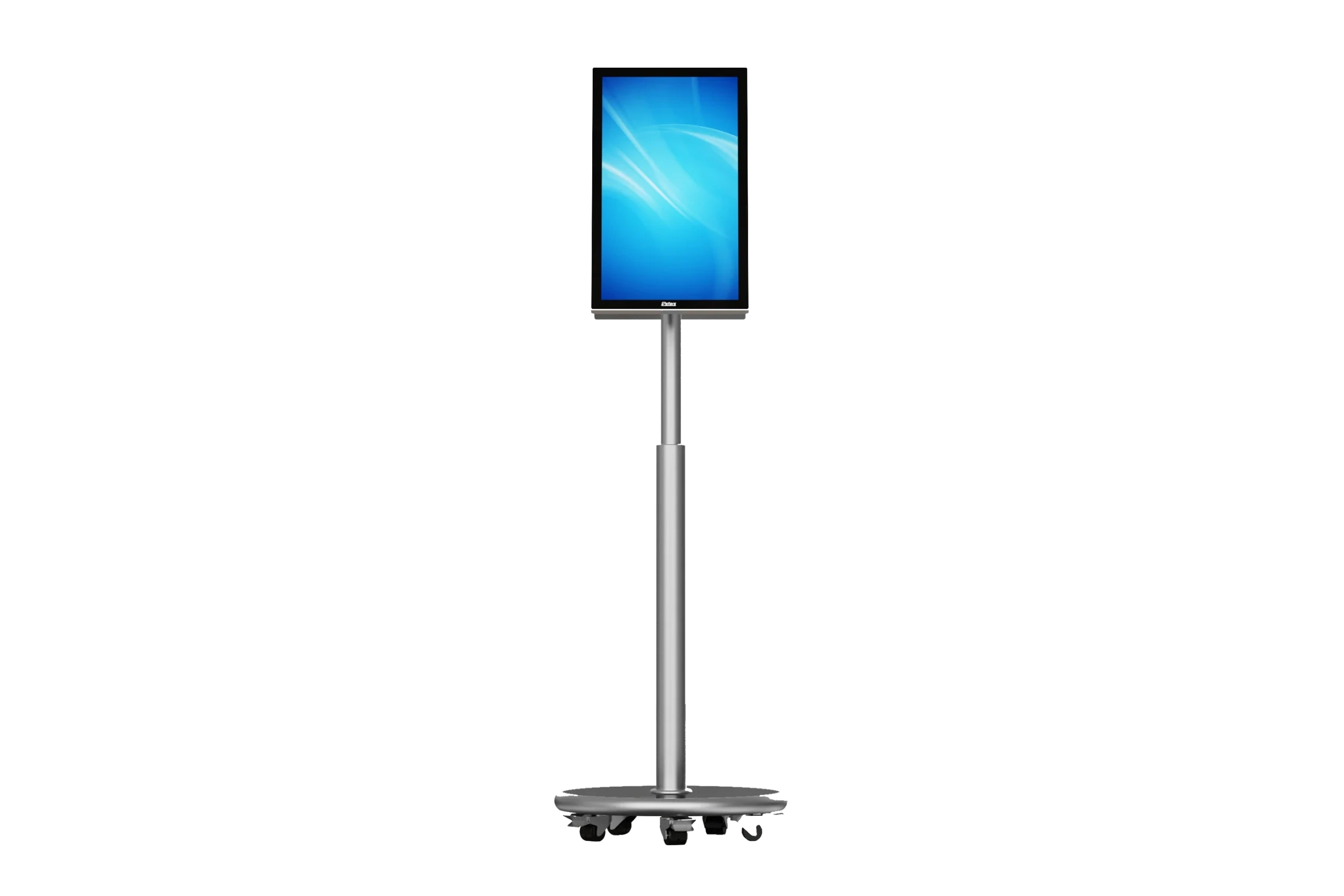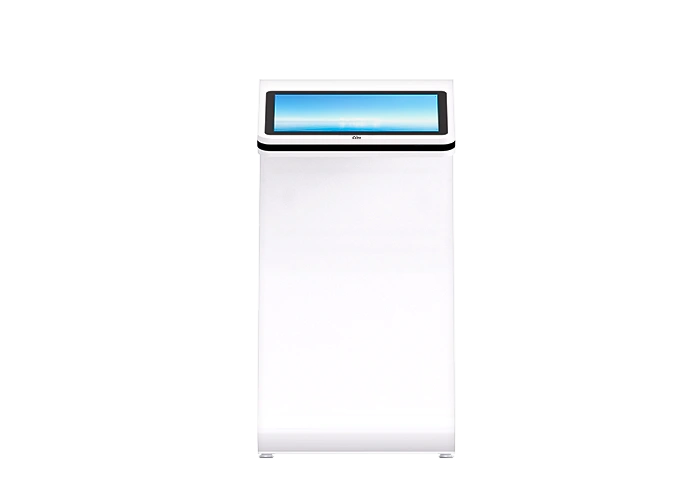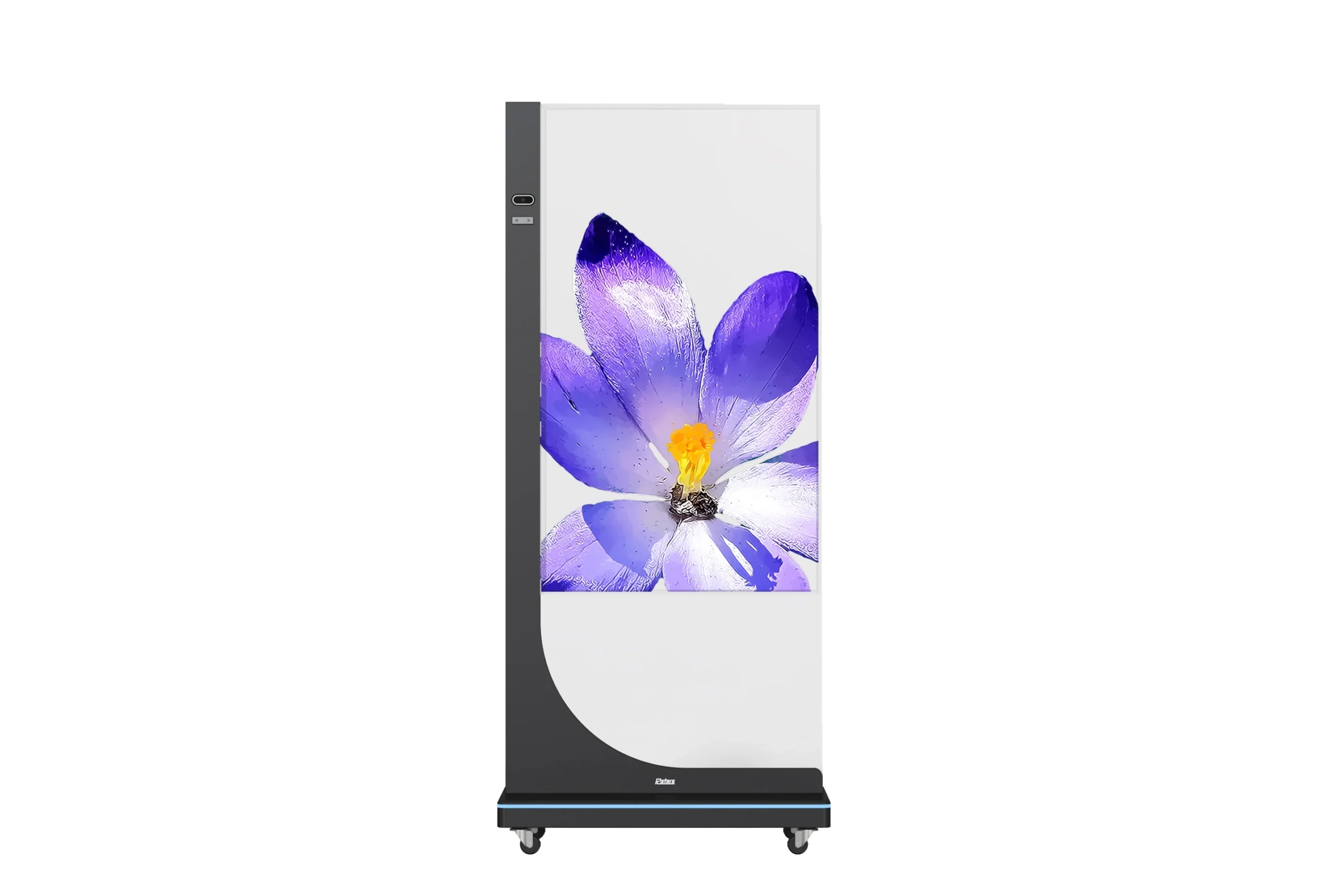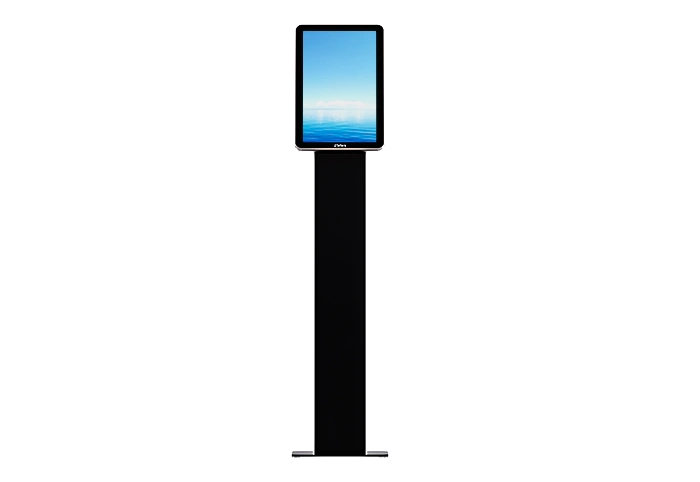
If you have already decided that your floor-standing display needs touch functionality, the next question is which touch technology to specify. On RCStars floor-standing displays, two options are available at the configuration stage: Infrared (IR) and Projected Capacitive (PCAP). Both deliver multi-point touch input — but they work differently, wear differently, and suit different environments.
This guide covers what each technology actually does, where each one breaks down, and how to match the choice to your deployment.
How Each Technology Works
Infrared (IR) touch mounts a frame around the screen perimeter containing an array of paired LED emitters and receivers. These project an invisible grid of light beams across the screen surface. When a finger, glove, or stylus breaks the grid, the controller calculates the intersection point and registers a touch. Nothing touches the screen glass itself — the detection happens in the air above it.
Projected Capacitive (PCAP) touch bonds a transparent conductive layer directly to the glass panel. The layer generates a low-level electrostatic field across the screen surface. A bare finger (or a compatible stylus) distorts the field at the contact point, and the controller maps those distortions to screen coordinates. The glass and the sensing layer are one unified unit.
Side-by-Side Comparison
| IR Touch | PCAP Touch | |
|---|---|---|
| Detection method | Light grid above screen surface | Capacitive field through bonded glass |
| Works with gloves | Yes | No (requires bare skin or compatible stylus) |
| Works with stylus | Any object | Capacitive stylus only |
| Multi-touch points | Typically 10–20 points | Typically 10 points (RCStars standard) |
| Touch precision | Good | Excellent |
| Response at screen edge | Can weaken near frame corners | Uniform across full surface |
| Optical clarity | Slight brightness reduction from frame gap | No brightness loss (glass-bonded) |
| Surface durability | Glass unchanged; frame is the wear point | Bonded layer; glass scratches affect sensing |
| Cleaning | Wipe glass normally; keep frame clear | Daily wipe with soft cloth; no abrasives |
| Response to water/liquid | Droplets can cause false triggers | More tolerant of moisture on surface |
| Ambient light sensitivity | Can be affected by strong direct sunlight at frame level | Not affected by ambient light |
| Vandal resistance | Frame can be displaced by impact | No exposed frame; more structurally robust |
| Relative unit cost | Lower | Higher |
When IR Touch Is the Right Choice

Gloved-hand environments. IR is the only viable option when users will not be touching the screen with bare skin. In warehouse order-picking stations, food preparation areas, or healthcare corridors where staff wear latex or nitrile gloves, a PCAP screen registers nothing. IR registers any object that breaks the light grid.
Stylus or pen input. IR works with any pointing object — a pen cap, a gloved knuckle, a retail handheld scanner used as a pointer. If your kiosk application involves signature capture with a passive stylus, or point-and-select with a non-capacitive device, IR is the correct choice.
Simple interactive menus with large touch targets. If the interface has a small number of large buttons — a two-option wayfinding prompt, a language selector, a yes/no confirmation — IR’s slightly lower precision is not a practical limitation. The cost saving over PCAP is meaningful for large deployments of these simple interactive units.
Lower-budget deployments at scale. When deploying 50 or 100 units where touch is a supporting feature (not the primary interaction mechanism), the per-unit cost difference between IR and PCAP compounds significantly. In these cases, IR delivers adequate performance at lower total outlay.
When PCAP Touch Is the Right Choice

Self-service ordering and catalog browsing. PCAP is the correct baseline for any application where users navigate through multiple levels of menus, scroll through product lists, or enter text via an on-screen keyboard. The higher touch precision and faster response time reduce input errors and improve task completion rates — both of which directly affect the business case for the kiosk.
High daily touch volume. In a QSR environment processing 300–500 orders per day through a touch kiosk, the cumulative wear on an IR frame (emitter/receiver pairs, frame alignment) is a real maintenance concern over a 3–5 year deployment. PCAP has no exposed frame components to degrade — the bonded glass is the touch surface, and it wears at the same rate as the display panel itself.
Tight bezel aesthetics. PCAP integrates the sensing layer into the glass stack, eliminating the visible frame gap that IR requires around the screen perimeter. For high-end retail environments where the display contributes to brand presentation, PCAP’s flush-glass appearance is often specified for that reason alone.
Wet or humid environments — with a caveat. PCAP handles light moisture on the screen surface better than IR (which can false-trigger when water droplets break the light grid). However, neither technology is designed for environments with continuous liquid exposure. If the deployment is genuinely wet (outdoor food markets, poolside venues), specify IP-rated enclosures regardless of touch technology.
Rcstars note: The RCS-156JI 15.6″ floor stand supports PCAP 10-point touch only. All other floor-standing models in the RCStars range are available in either IR or PCAP configuration.
The Maintenance Difference Over Time
Both technologies require regular screen cleaning — this is non-negotiable in any public-access touch deployment. The difference is where the maintenance burden sits:
IR maintenance focus: Keep the frame channel clear. Dust, debris, and moisture accumulating in the IR emitter/receiver frame are the most common cause of degraded touch performance in IR deployments. A compressed air clean of the frame gap every 2–4 weeks prevents most issues. Screen surface cleaning follows normal commercial display protocols.
PCAP maintenance focus: Protect the glass surface. Scratches, abrasive cleaners, and sharp objects degrade the oleophobic coating and, over time, the capacitive layer beneath it. Use only approved soft cloths and non-abrasive screen cleaning solutions. In high-traffic deployments, budget for screen protector replacement on an annual or biennial cycle.
Decision Summary
Choose IR if:
- Users may wear gloves
- Touch targets are large and simple
- You are deploying at scale with cost sensitivity
- The application uses passive stylus input
Choose PCAP if:
- The application involves scrolling, text input, or complex navigation
- Daily touch volume is high (200+ interactions per day)
- Flush-glass aesthetics matter
- The screen is the primary interaction point, not a supplementary feature
When in doubt for a self-service kiosk application, default to PCAP. The higher upfront cost is typically recovered within the first year of operation through lower maintenance calls and better user completion rates.
FAQ
Can I switch from IR to PCAP after the unit ships? No. Touch technology is configured at the factory and cannot be changed in the field. Confirm your choice before the order is placed.
Does PCAP work with thick winter gloves? Standard PCAP does not register input through most gloves. Some PCAP panels support a “glove mode” that increases sensitivity — this is available on select RCStars models. Contact the team to confirm availability for your specific configuration.
Will direct sunlight affect IR touch performance? Strong direct sunlight at the frame level can interfere with IR sensors — this is one reason IR is generally not recommended for outdoor or outdoor-adjacent deployments without a shading structure. PCAP is not affected by ambient light.
Is 10-point multi-touch enough for kiosk applications? For standard self-service kiosk use cases (ordering, wayfinding, visitor check-in), 10-point touch is more than sufficient. Multi-point touch in kiosk contexts is primarily used for zoom gestures on maps or product images — tasks that rarely require more than two simultaneous touch points.