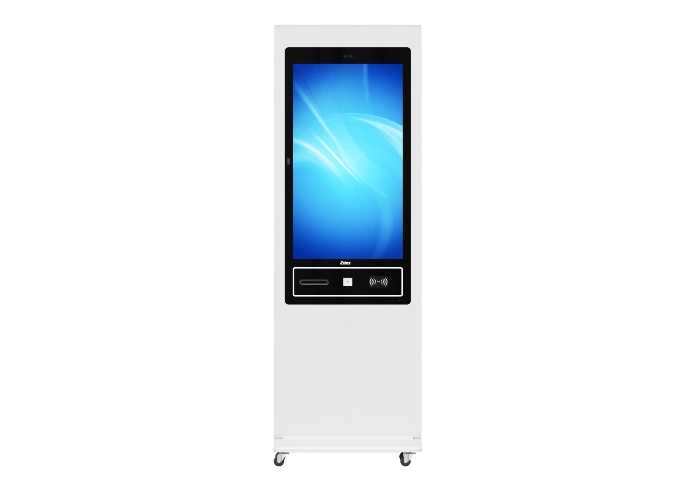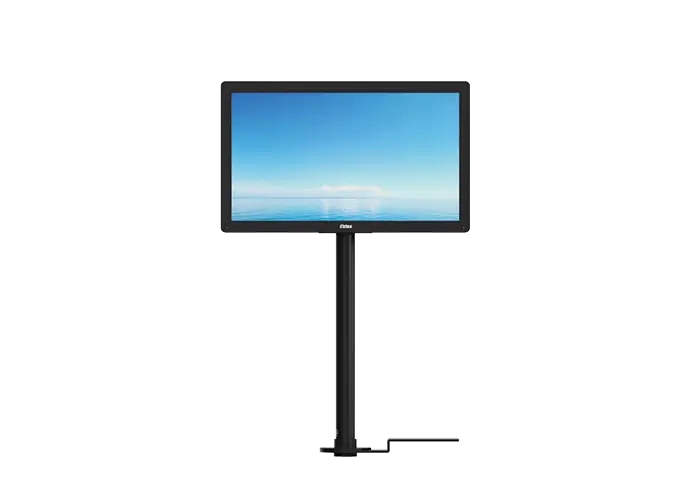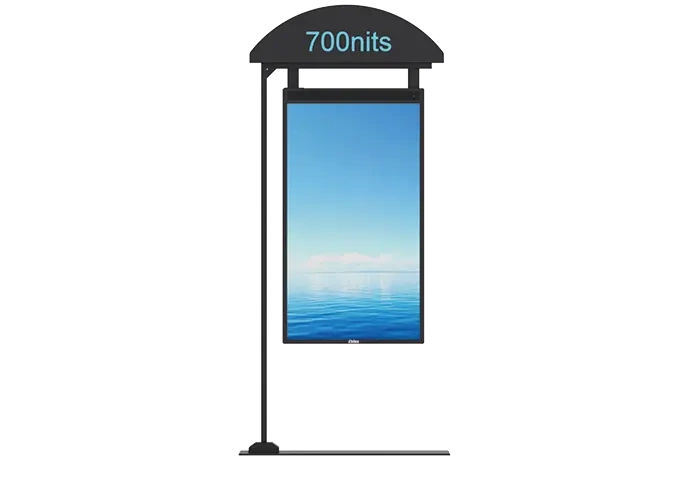

Short Answer: Yes, But It Depends on Your Purpose
Yes. Digital signage and TV can look similar, but they serve different purposes, so one can replace the other only in certain situations.
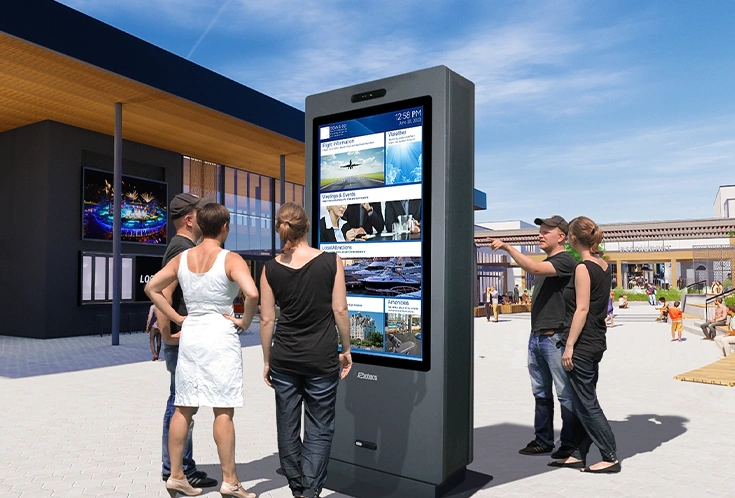
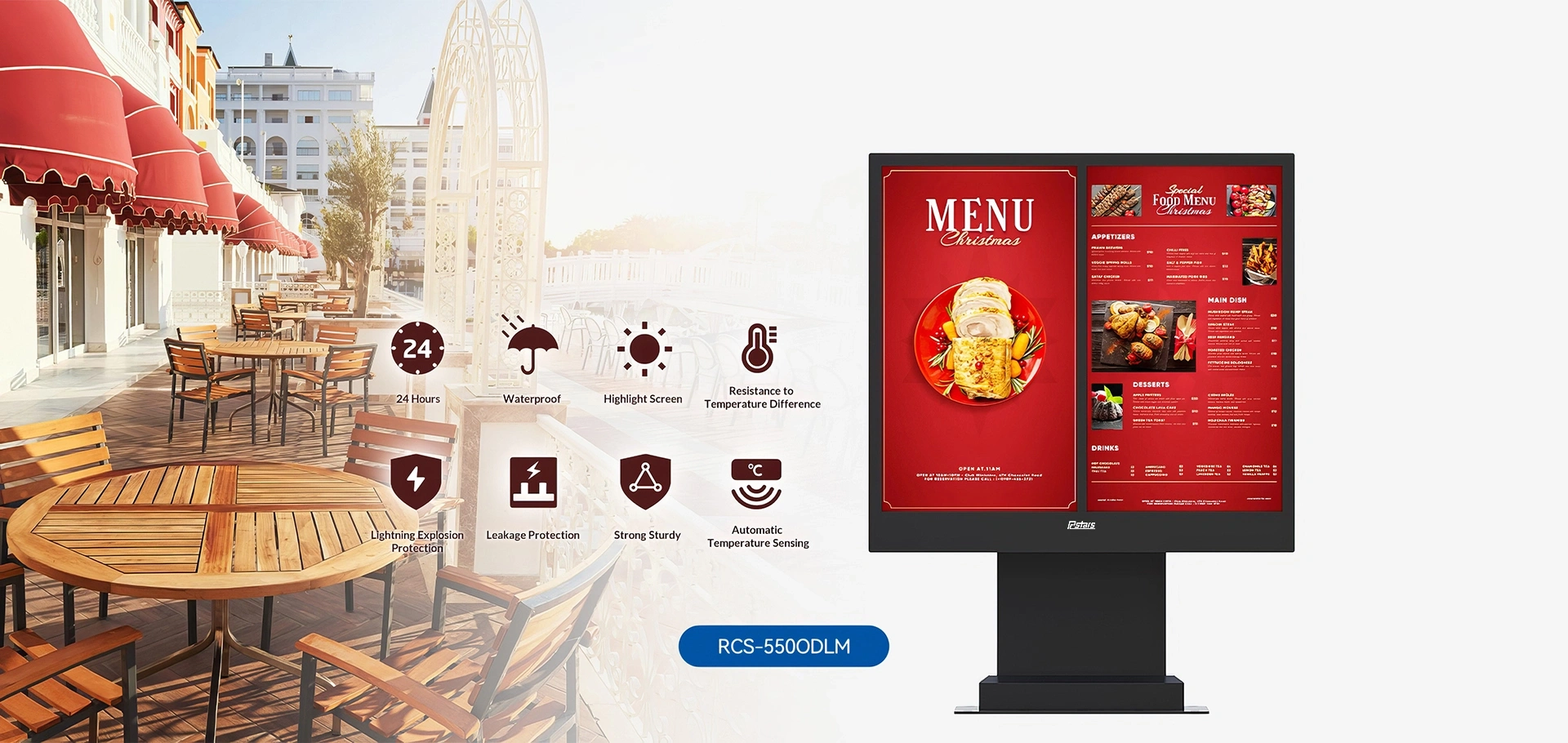
Digital signage is designed for business and public use. It is commonly used for advertising, education, and interactive displays, with content such as animations, videos, images, and charts. It is usually managed through a CMS for remote control and scheduling, which makes it a strong choice for public spaces and 24/7 operation.
TV is designed mainly for entertainment. It is used for watching television programs, movies, and playing video games, with the goal of delivering a high-quality audio and visual experience. TVs are typically connected through cable or satellite and include built-in speakers, tuners, and HDMI inputs.
In simple terms:
- Choose digital signage when you need to control content remotely, update it often, or display information in a business or public environment.
- Choose TV when your main goal is home entertainment and high-quality viewing.
Digital signage can replace a TV in some commercial or information-display settings, but it cannot fully replace a TV when the priority is entertainment and media playback quality.
Digital Signage Display vs TV: What Are the Differences?
Digital signage displays and TVs may look similar, but they are designed for different use cases. TVs are generally better for image quality and home entertainment, while digital signage is better for business communication, remote content control, bright environments, and long-hour operation.
| Aspect | Digital Signage Display | TV |
| Image quality | Color accuracy and wide color gamut coverage are prioritized for professional display use | Better for dynamic content like sports broadcasts and cinematic viewing |
| Audio quality | Can use basic speakers or advanced speakers for high-fidelity sound | Usually optimized for entertainment audio |
| Control | No built-in TV tuner or standard remote control; content is often played through a media player or laptop and managed through cloud platforms, network connection, and remote control | Built-in tuner, HDMI inputs, and remote control make it easy for home use |
| Brightness & anti-glare | Typically 450–700+ nits, which works better in bright retail or public spaces | Typically 250–350 nits, so glare is more noticeable in strong light |
| Duty cycle & lifespan | Designed for 18/7 or 24/7 continuous operation, with many models rated around 60,000 hours | Better for normal home use, and running it continuously for too long can speed up wear or burn-in |
| Warranty use case | Built for commercial environments | Many home TVs are not intended or warranted for commercial 24/7 use |
For business buyers, digital signage is the better choice when you need a display that can run all day, stay visible in bright spaces, and be updated remotely. For home users, a TV is usually the better option because it delivers better entertainment image quality, built-in control features, and simpler setup.
How to Use Digital Signage as a TV
Option 1: Connect a TV receiver, such as a cable box or satellite receiver, to the digital signage display through the HDMI input.
Option 2: Use a streaming device or media player to play TV content on the screen.
Option 3: Use a CMS content loop if you want scheduled or continuous playback.
Tip: Make sure the TV receiver matches the digital signage display’s interface and supports its resolution and refresh rate for proper playback.
What Are the Advantages of Using Digital Signage as a TV
Digital signage can do more than show TV content. It gives you flexible playback, centralized control, and stronger performance in commercial environments, which makes it a practical option for business use.
- Flexible playback: You can use one screen to show news, videos, ads, and announcements.
- Centralized content management: A CMS lets you control hundreds of screens or content items from one panel.
- Long-term cost efficiency: It can reduce recurring costs because you do not rely on cable TV subscriptions.
- Higher engagement: Digital signage creates a more dynamic and interactive viewing experience.
- Higher brightness: It stays easier to see in bright indoor spaces.
- Better durability: It is designed for heavier commercial use.
- 24/7 operation: It can run continuously for long hours.
- Remote content control: You can update content without being on site.
- Commercial-grade components: It is built for reliable performance in business environments.
What Are the Disadvantages of Digital Signage
Digital signage has a few drawbacks to consider. It usually requires a higher upfront investment, depends on a stable network for updates, and takes some time to learn content management and software operation.
- Higher initial cost: You need to budget for the commercial display, media player, and professional installation.
- Network dependence: Content updates rely on stable Wi-Fi or LAN connectivity.
- Learning curve: Content layout, management, and software setup can take time at the beginning.
What Are the Best Uses for Digital Signage as a TV
Digital signage works well as a TV in many business environments where you want to combine live content with ads, announcements, and brand messaging.
- Office workspaces and reception areas: Show news, company updates, and events alongside promotional content.
- Retail stores and showrooms: Display product videos, live TV segments, and promotions at the same time.
- Restaurants and cafés: Show menus, sports, news, and advertising on the same screen.
Conclusion
Yes, you can use a digital signage display as a TV, but the best choice depends on your purpose.
Digital signage is built for business use: it supports higher brightness, better durability, 24/7 operation, remote content control, and commercial-grade components. It lets you play news, videos, ads, and announcements on the same screen, and manage hundreds of screens from one CMS panel.
TV is built for home entertainment: it offers better image quality for movies and shows, simpler setup, and built-in tuners and remotes.
Choose digital signage if you need a professional, always-on display for public or commercial spaces. Choose a TV if your main goal is high-quality home viewing with minimal setup and cost.
FAQ
Can I use a Firestick for digital signage?
Yes. Since Fire OS is based on Android, you can install signage CMS apps — no extra player or mounting hardware needed.
How much does digital signage cost?
Per screen: $200–$3,400+ (display $200–$2,500, player $30–$1,000, software ~$7/month).
What do I need for digital signage?
A screen with HDMI, a media player, stable internet, and signage software.
Does digital signage increase sales?
Yes. Retailers saw a 29.5% sales increase, 52% higher ad recall, and 70% of customers said signage influenced buying decisions.
What size display is best for digital signage?
43-inch for small spaces, 55-inch for most retail/offices/restaurants; choose based on viewing distance and brightness needs.