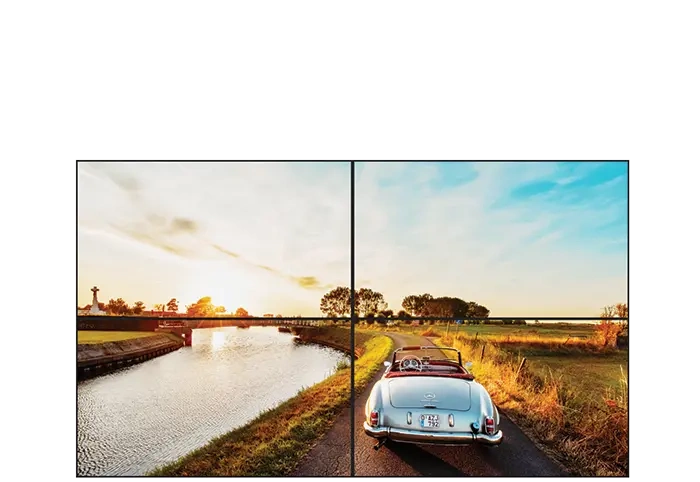
RCS-490WS18
49 inch Slim Pitch LCD Video Wall
Description Description Description Description Description Description Description Description Description Description

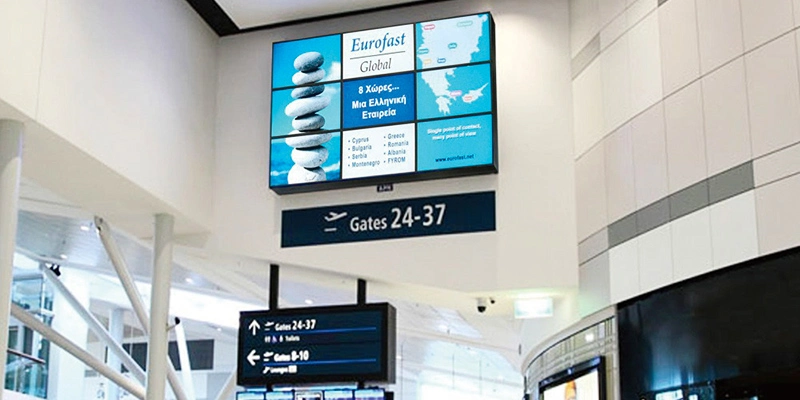
Super narrow bezel: Featuring an extremely narrow bezel width of 1.8 mm/3.5 mm/5.5 mm, provide a near seamless image for public venues and control rooms.
Comprehensive set of inputs: Rcstars's LCD video walls come with a full array ofconnectivity and control options including DVI, HDMI, VGA and RJ45, RS232 AV OUT and AV IN.
Software control: Connect and control your video wall from a central admin computer. Using display-based software to manage your network of displays from a single location via RJ45 and RS232. Easily identify your displays and fine-tune all display settings including brightness, contrast, saturationand sharpness.
Auto Color Calibration: The calibration sensor is placed on the screen and communicates with the video wall through either USB or RS232. lt automatically adjusts the color and brightness to ensure all individual displays closely match.
Installation Optional: Rcstars's video wall design allows you to mount any landscape or portrait video wall configuration with any number of screens, designed with the wall mount bracket, free standing type bracket optional. Which enables clientsto find the cost-effective solution to fit their needs.
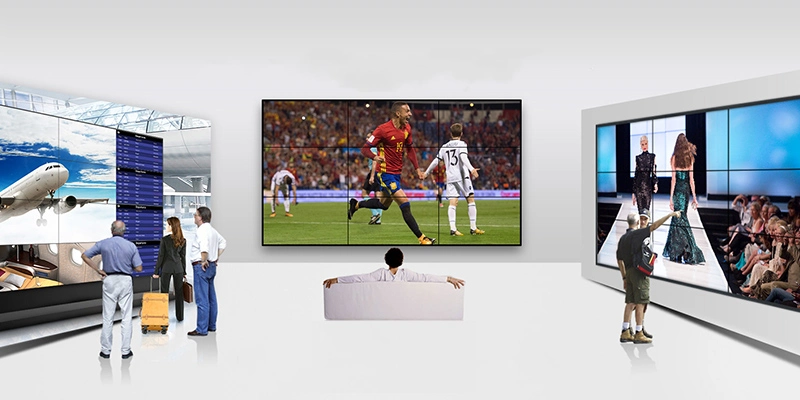
Create dynamic video walls freely: Connect multiple screens together to build video walls with multiple screen configurations, such as oversized displays and shaped splicing displays.
Provide better viewing experience and display effect: 178° ultra-wide viewing angle ensures that users can see the content played on the screen from either direction, and 3.5mm extremely narrow bezel brings almost seamless large-screen splicing effect with more realistic and shocking picture display.
Update and manage screen content more conveniently: You can input content through a variety of interfaces, or update online with multimedia playback boxes, and use Rcstars' CMS system directly without upgrading to manage display content in different places and on different screens at the same time.
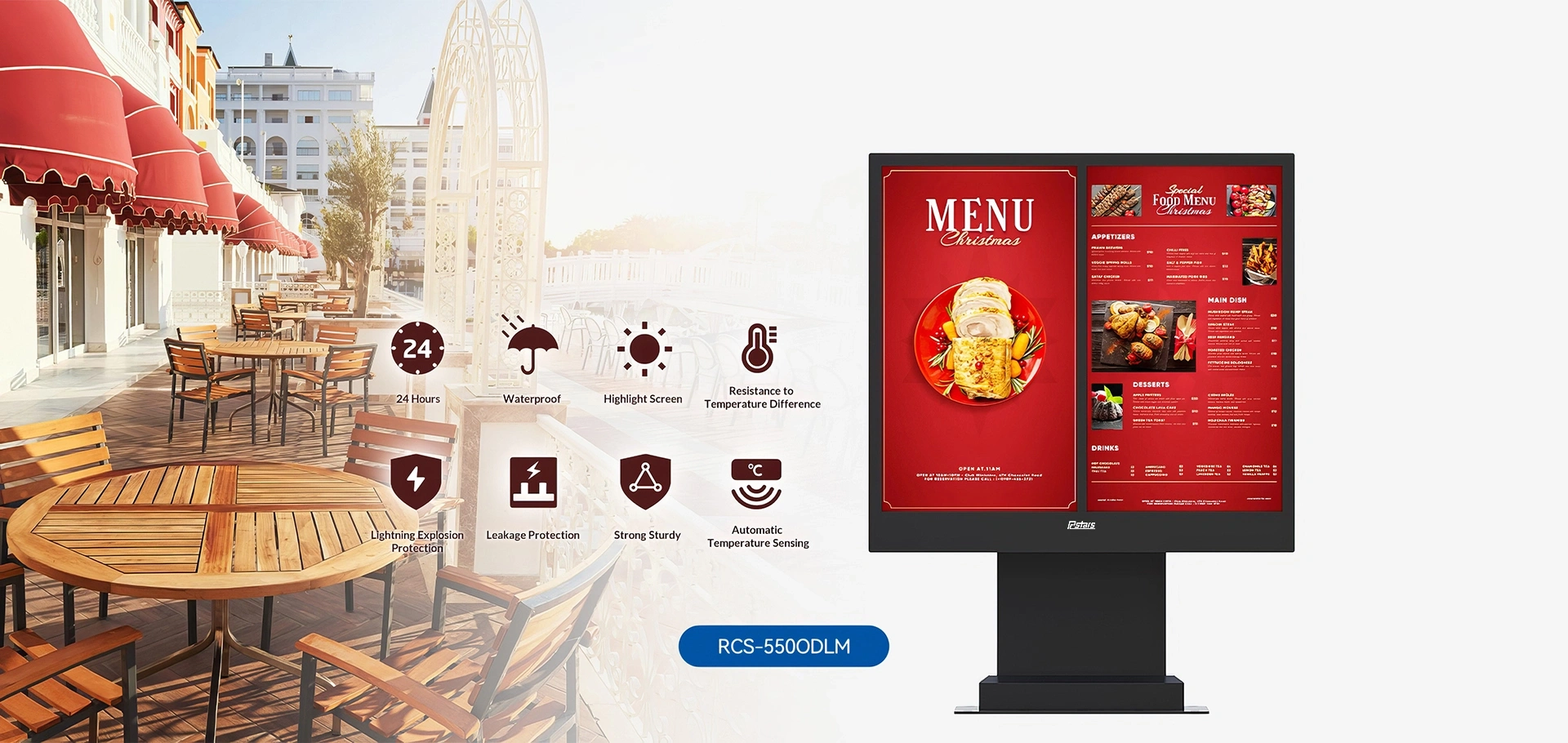
There is no single universal price. Smaller commercial configurations can start below $1,000, while larger freestanding systems can cost several thousand dollars. Premium double-sided, kiosk, and highly customized solutions can reach significantly higher price levels. For project-based orders, pricing can be more flexible depending on quantity, configuration, customization, and overall project requirements. That is why a…
A casino never competes for attention in a quiet room. Slot-machine lighting, animated ceilings, live sports, music, architectural features and thousands of moving guests all fight for the same field of view. A standard television placed on the wall can technically show an advertisement, yet still disappear inside that environment. Digital signage for casinos must…
1. How Transparent Displays Are Changing Commercial Interaction A conventional digital display can deliver bright content, but it also creates a solid visual barrier. In a luxury showcase, museum exhibit or contemporary lobby, that barrier may hide the product, interrupt natural light or conflict with the architect’s intended sightline. A transparent touch screen monitor approaches…
A standard 16:9 screen often becomes the wrong shape before it becomes the wrong technology. It may fit a meeting room wall, yet leave little room for installation along a shelf edge, above a platform entrance, across a narrow restaurant counter or beside an architectural column. Ultra stretch digital signage addresses this mismatch by turning…
We provide one-stop digital signage solutions according to your needs.