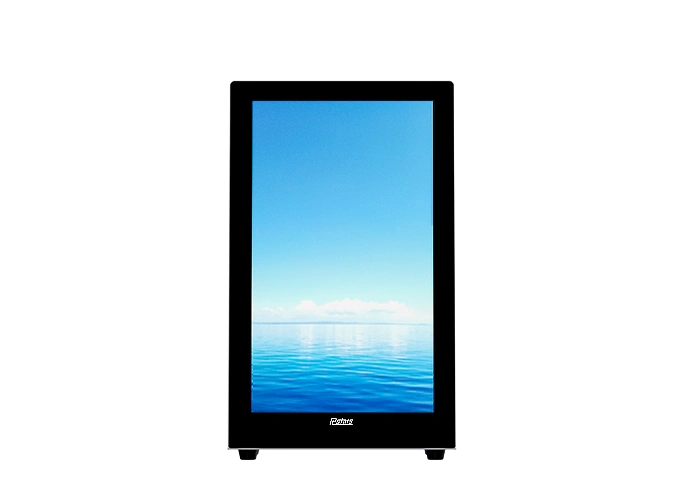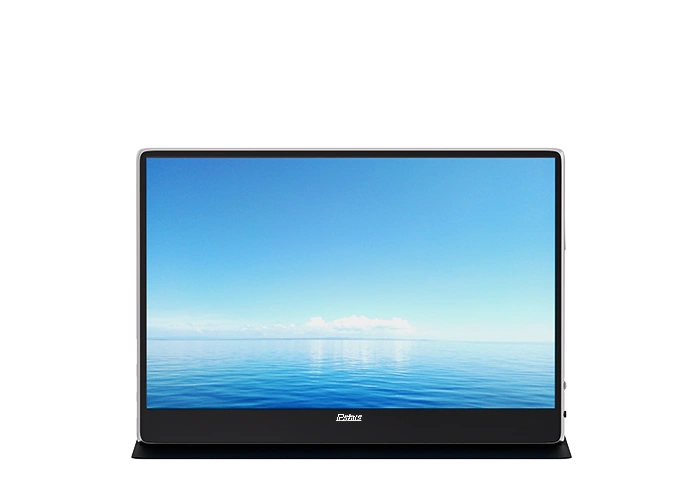
RCS-156PR
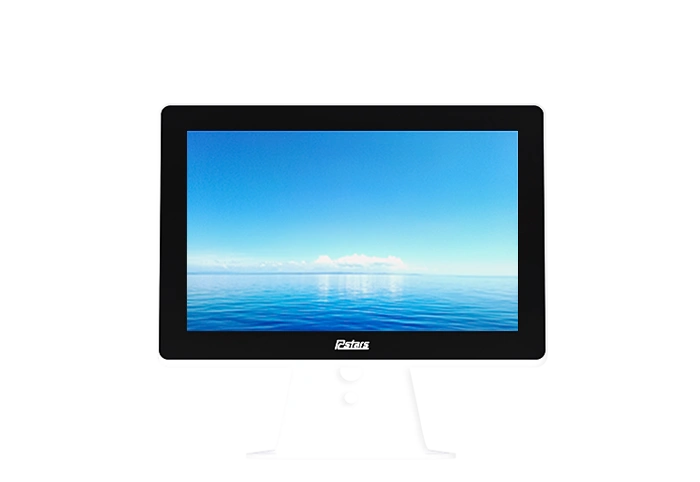
15.6 inch Ultra Thin Tablet Display
Compact desktop digital signage and touchscreen tabletop displays for counters, reception desks & POS stations. Durable metal housing, sensitive touch, add-on modules. OEM/ODM factory pricing.

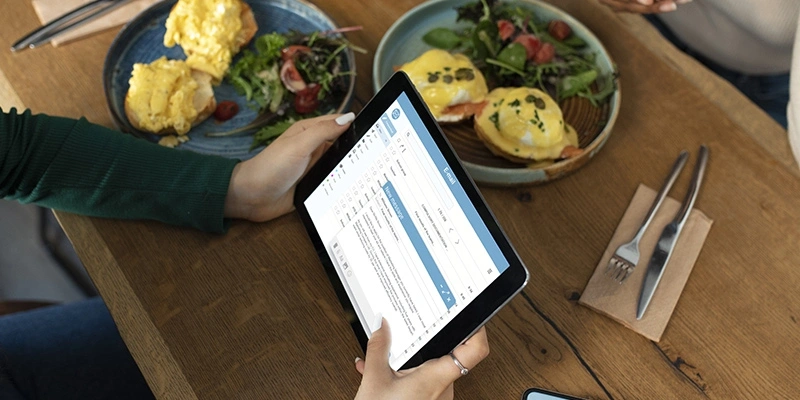
RCSTARS interactive desktop display is the most advanced solution for businesses and organizations to engage with their customers. With its high-quality touchscreen displays, Internet connectivity, audio and video capabilities, and durable design, this interactive touch table display is perfect for restaurants, museums, retail stores, businesses, banks, and other public spaces, offering a variety of functions such as self-service payments, inquiries, displaying information, playing audio and video, and advertising.
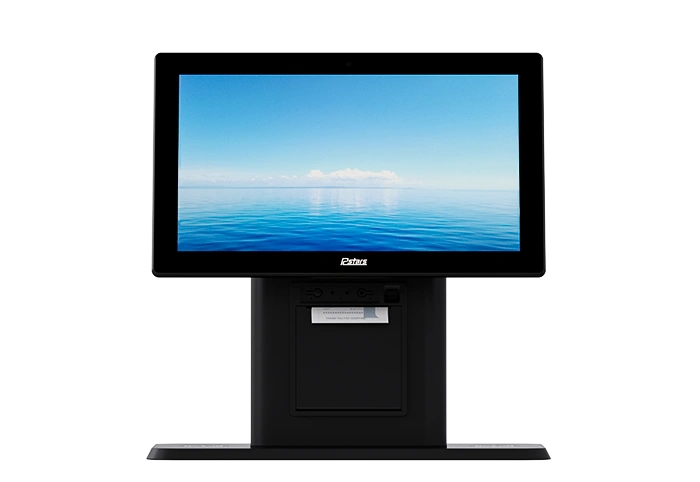
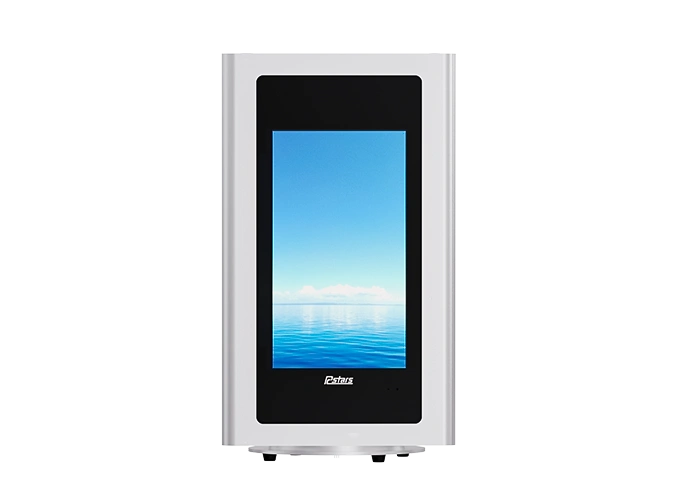
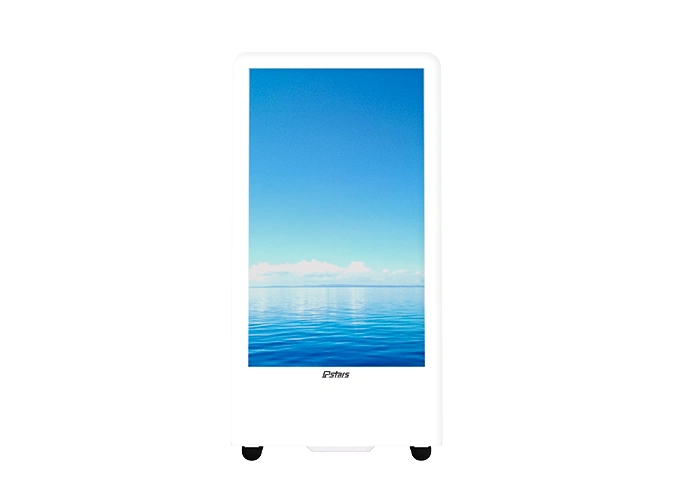
Elegant apearance: Highly simple and durable tablet design, choice of black or white body color, "L" type, "A" type, rotatable type, desktop stand, number of screens with 1, 2 or 3 sides, also available in silver aluminum profile.
Robust materials: The front of the screen is covered with explosion and impact resistant tempered glass, and the back of the body is made of hardened metal for durability.
Precise interaction: Choose fast corresponding capacitive touch/infrared touch to precisely sense each operation of you and the user.
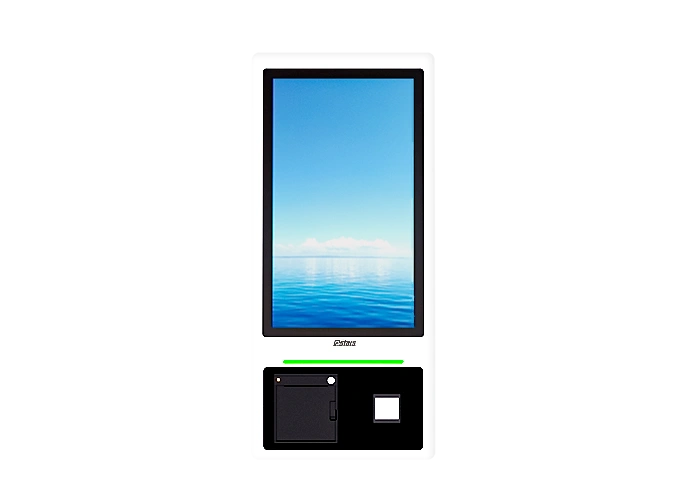
Rich functions: If you want to improve the self-service terminal service based on displaying information, you can choose optional camera, printer, QR code scanner and card swiper.
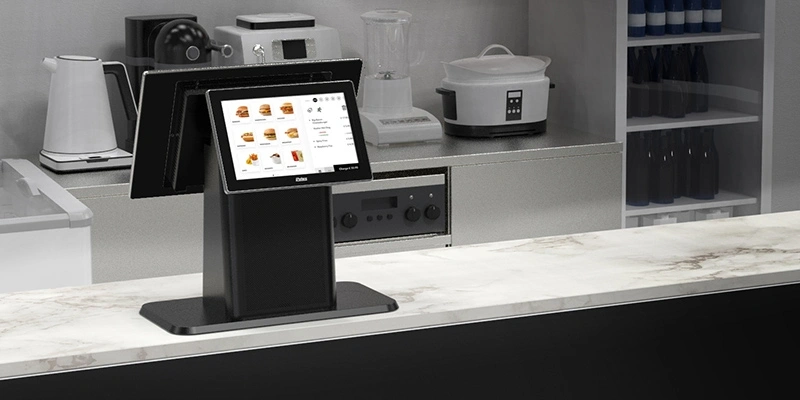
Increase sales: Display promotional information, special offers, etc., while providing a guide to events and directing customers to place orders and spend money.
Enhance brand image: Whether in a store or a business, the elegant look of Rcstars' interactive touch screen tableds perfectly matches and enhances the overall atmosphere and image of the premises.
Provide diverse services: Thanks to the multiple functions configured in the desktop interactive displays, we can simultaneously provide users with information display and inquiry, self-order and checkout, business processing, etc. At the same time, Rcstars also provides personalized and customized services whenever you need.
Wall mount displays provide a modern, high-quality solution that showcases products, promotions or information, and they can be customized to meet specific business needs.
The interactive touch screen table includes built-in audio and video capabilities, allowing users to stream videos or make video calls. It also includes HDMI inputs, so users can connect external devices.
Businesses can benefit from using an Interactive touch screen table by providing customers with engaging and interactive experiences. This can help increase customer engagement, improve brand awareness and build loyalty, and streamline business operations by providing efficient and convenient services.
The table works by using a responsive touchscreen display that allows users to interact with the kiosk's features. The table can be configured to provide a range of services, such as wayfinding, product information, and video conferencing.
There is no single universal price. Smaller commercial configurations can start below $1,000, while larger freestanding systems can cost several thousand dollars. Premium double-sided, kiosk, and highly customized solutions can reach significantly higher price levels. For project-based orders, pricing can be more flexible depending on quantity, configuration, customization, and overall project requirements. That is why a…
A casino never competes for attention in a quiet room. Slot-machine lighting, animated ceilings, live sports, music, architectural features and thousands of moving guests all fight for the same field of view. A standard television placed on the wall can technically show an advertisement, yet still disappear inside that environment. Digital signage for casinos must…
1. How Transparent Displays Are Changing Commercial Interaction A conventional digital display can deliver bright content, but it also creates a solid visual barrier. In a luxury showcase, museum exhibit or contemporary lobby, that barrier may hide the product, interrupt natural light or conflict with the architect’s intended sightline. A transparent touch screen monitor approaches…
A standard 16:9 screen often becomes the wrong shape before it becomes the wrong technology. It may fit a meeting room wall, yet leave little room for installation along a shelf edge, above a platform entrance, across a narrow restaurant counter or beside an architectural column. Ultra stretch digital signage addresses this mismatch by turning…
We provide one-stop digital signage solutions according to your needs.